Network Devices, ISP Services & P2P Networks - 02/12/2024
A concise guide to network devices, ISP services, and peer-to-peer networks.
Understanding Network Devices, ISP Connections, and Peer-to-Peer Networks: A Simple Guide
In today’s interconnected world, networking plays a crucial role in facilitating communication and information sharing. Whether you’re setting up a home network, exploring Internet Service Provider (ISP) options, or trying to understand peer-to-peer networks, it’s essential to understand the different components involved. In this blog, we will explore network devices, ISP connections, and the peer-to-peer network model, along with their benefits and features.
1. Functions of End Devices on a Network
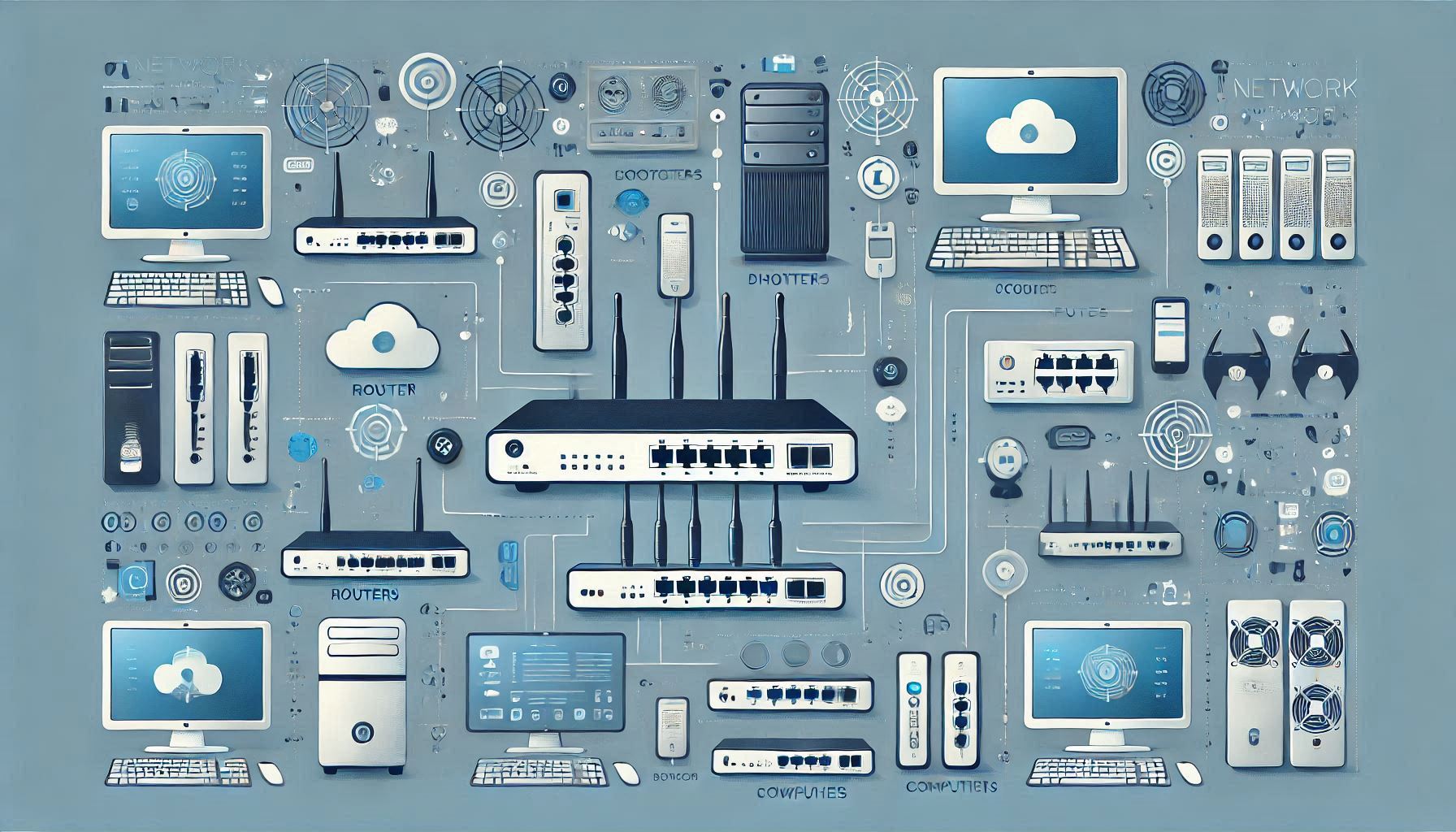
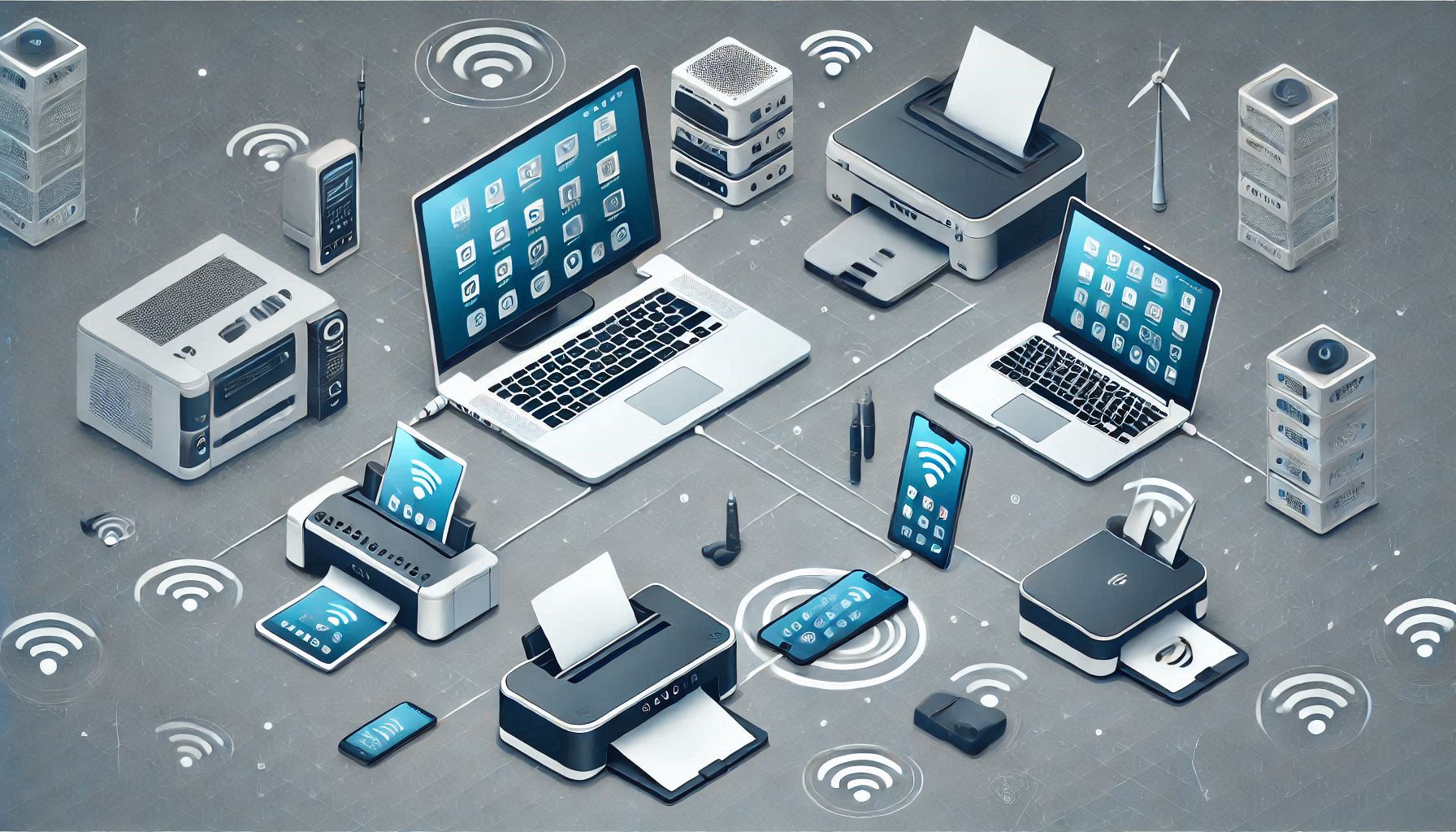
End devices are the core of any network. These are the devices that directly interact with users or applications. Common examples include PCs, laptops, printers, and smartphones. There are several key functions of end devices:
-
Originating Data: End devices generate and send data over the network. For example, when you send an email or open a webpage, your device is the one initiating the data transmission.
-
Interface Between Humans and the Network: End devices also serve as the point of interaction between humans and the network, allowing users to access the internet, send data, or use applications.
2. Choosing the Right ISP Connection
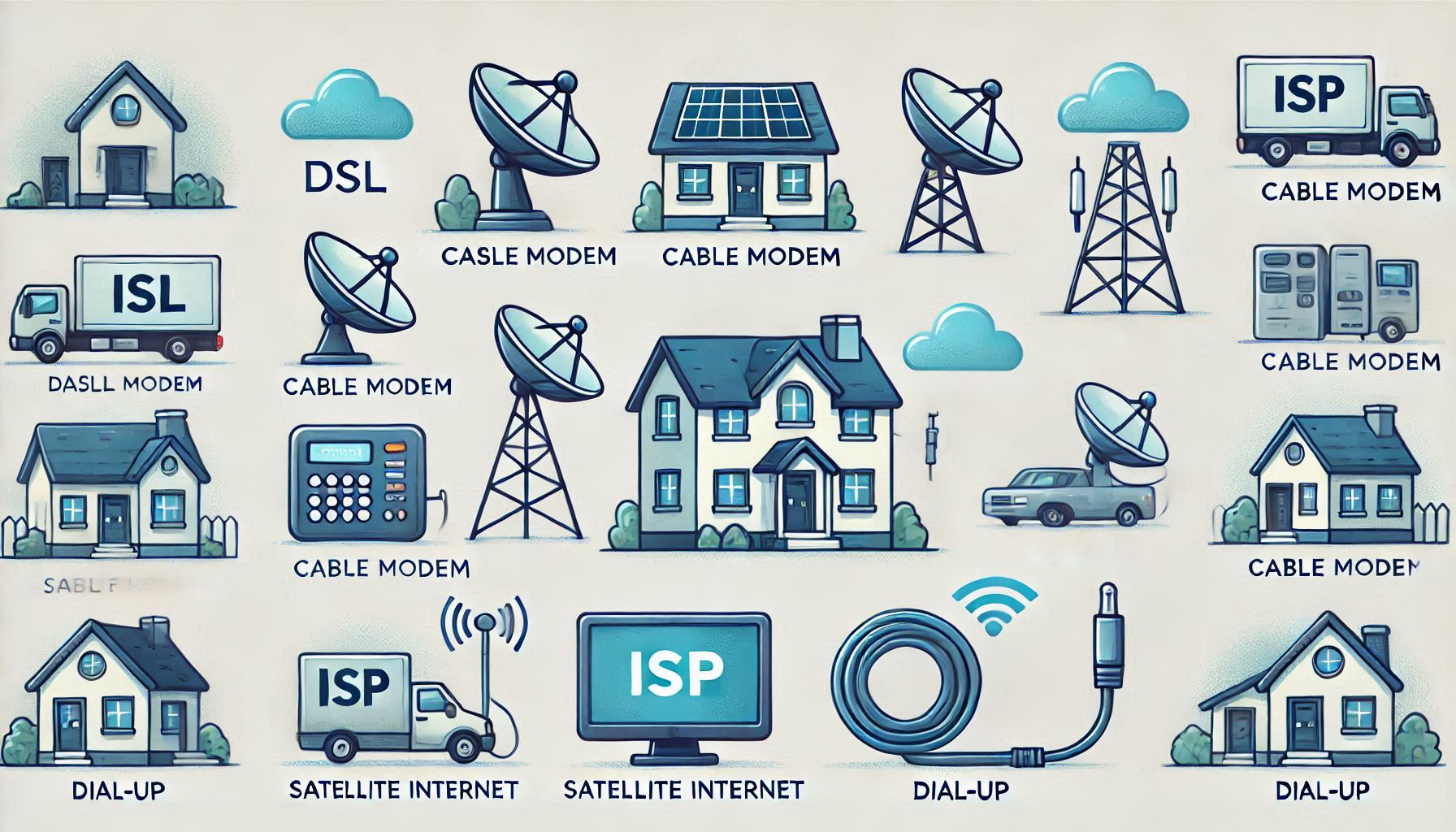
When connecting to the internet, choosing the right ISP connection is essential based on your needs and geographical location. Here are a few common types of ISP connections:
-
DSL (Digital Subscriber Line): DSL provides high-speed internet over regular phone lines, making it a great option for those who still rely on landline telephone connections.
-
Satellite Connection: For remote areas where other forms of connectivity are unavailable, satellite internet provides a viable option. It requires a clear line of sight to the satellite, making it ideal for rural and hard-to-reach areas.
-
Cable Modem: Typically offered by cable television providers, cable modems deliver high-speed internet over coaxial cables. This connection is always on, providing a stable and fast internet experience.
-
Dial-Up: Although outdated, dial-up connections are still available for those with limited options. However, the low bandwidth makes it unsuitable for large data transfers.
3. The Role of an ISP
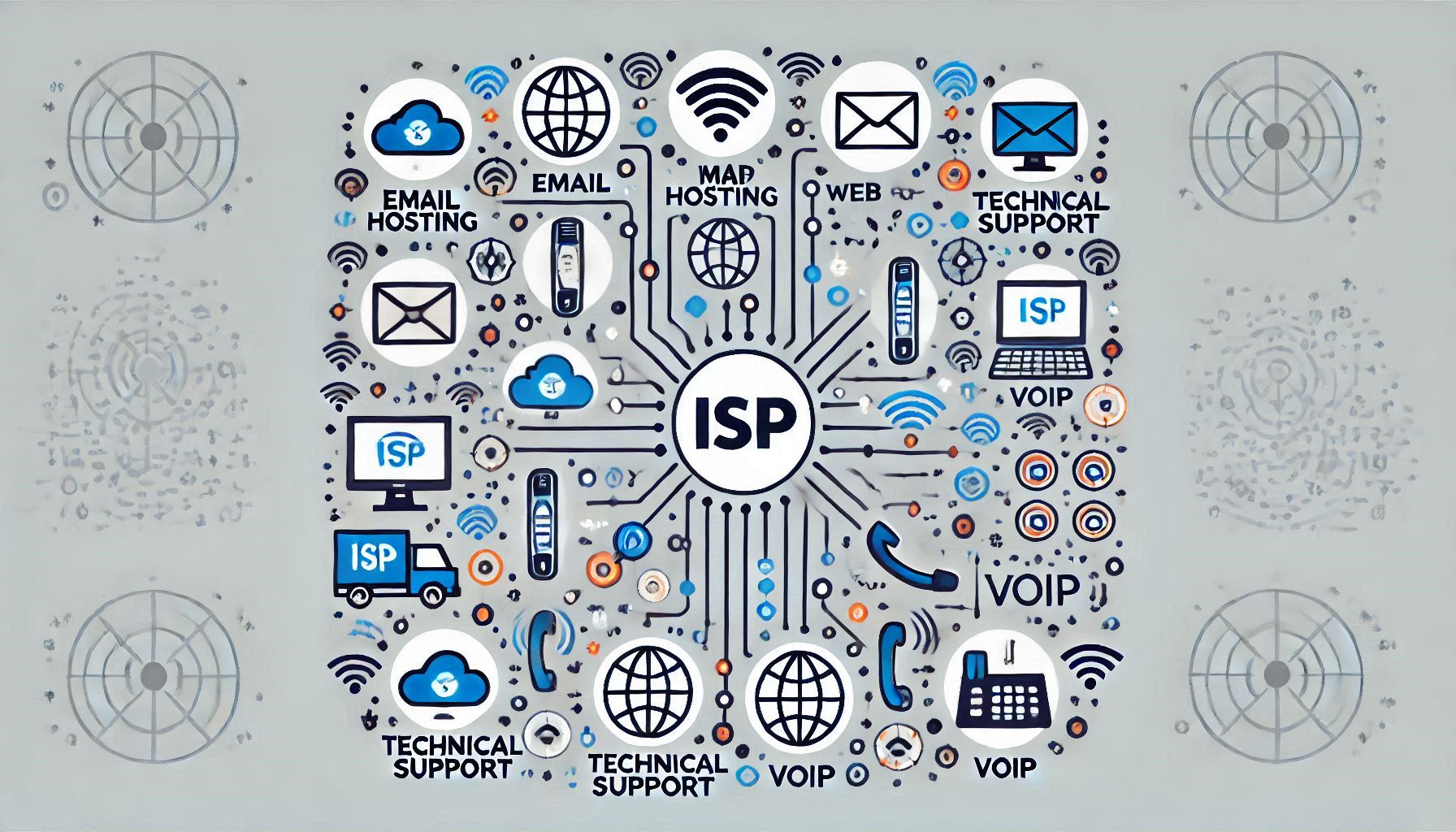
An ISP (Internet Service Provider) is a company that provides internet access to users. Their primary responsibility is connecting your home or business network to the global internet. ISPs are part of a hierarchical network, with smaller ISPs connecting to larger ones to form the backbone of the internet.
Some additional services provided by ISPs include:
- Email Hosting: Many ISPs offer email accounts for their users.
- Web Hosting: Hosting personal or business websites.
- Technical Support: Providing assistance to users with internet or connectivity issues.
- Voice Over IP (VoIP): Internet-based phone services are often provided by ISPs.
4. Peer-to-Peer (P2P) Networks and Applications
In a peer-to-peer network, every device can function as both a client and a server. This model is often used in small businesses and home networks, where devices share resources such as files or printers.
Advantages of Peer-to-Peer Networks:
- Ease of Setup: P2P networks are easy to set up, requiring minimal infrastructure.
- Cost-Effective: No need for dedicated servers, which can reduce costs.
- Flexibility: Each device can act as both a client and a server.
Common Peer-to-Peer Applications:
- Instant Messaging: Both clients send and receive messages simultaneously in a chat.
- File Sharing: Devices can share files directly with each other.
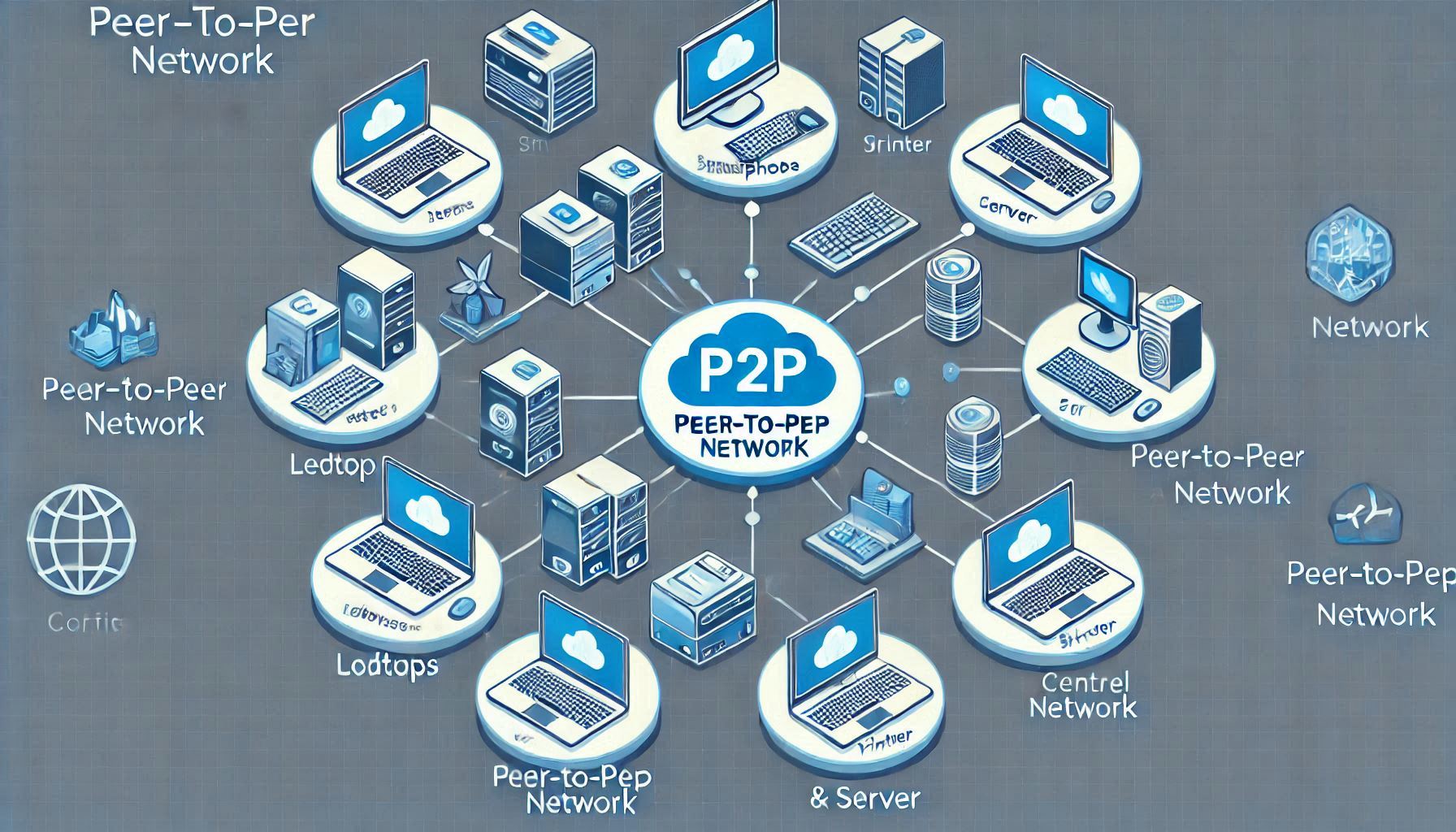
The flexibility of P2P networks makes them suitable for simple tasks like sharing files or printing documents.
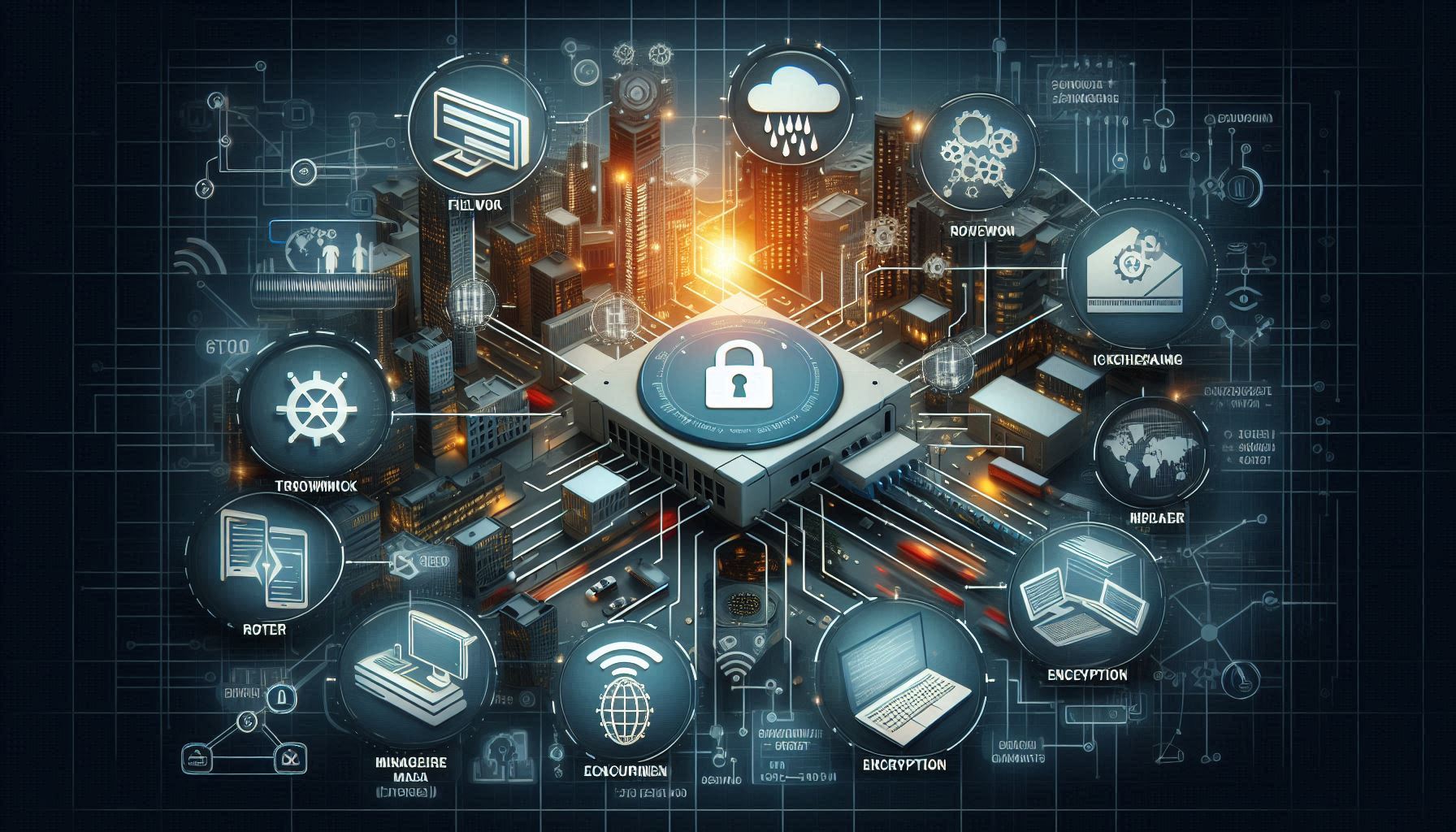
5. Network Security and Intermediary Devices
While end devices directly interact with users, intermediary devices are crucial for managing and securing data traffic across the network. These devices include:
- Firewall: A security device that monitors and filters incoming and outgoing network traffic.
- Router: A device that directs data packets between different networks, ensuring efficient data flow.

These devices help protect the network and optimize data routing, ensuring seamless communication across multiple devices.
Conclusion
Understanding the basics of networking, ISP connections, and peer-to-peer networks is essential for both home users and businesses. By selecting the right ISP connection, configuring end devices properly, and choosing the appropriate network model, users can enjoy a seamless, fast, and secure internet experience. Peer-to-peer networks, though simple, can be a great way to share resources without the need for complex infrastructure. Whether you are a home user, small business owner, or someone exploring the world of networking, these concepts will help you build a better network experience.