The Ultimate Guide to CCTV Systems: Types, Installation, and Configuration - 28/11/2024
Guide to CCTV: types, installation, working, and configuration.
The Complete Guide to CCTV Systems: Types, Installation, Working, and Configuration
In today’s world, Closed-Circuit Television (CCTV) systems have become indispensable for security and surveillance. Whether it’s safeguarding your home, monitoring workplace activities, or ensuring public safety, CCTV cameras play a pivotal role in deterring crime and providing crucial evidence when incidents occur.
This guide dives into the details of CCTV systems, including their types, installation process, working principles, and configuration.
Types of CCTV Systems
1. Dome Cameras
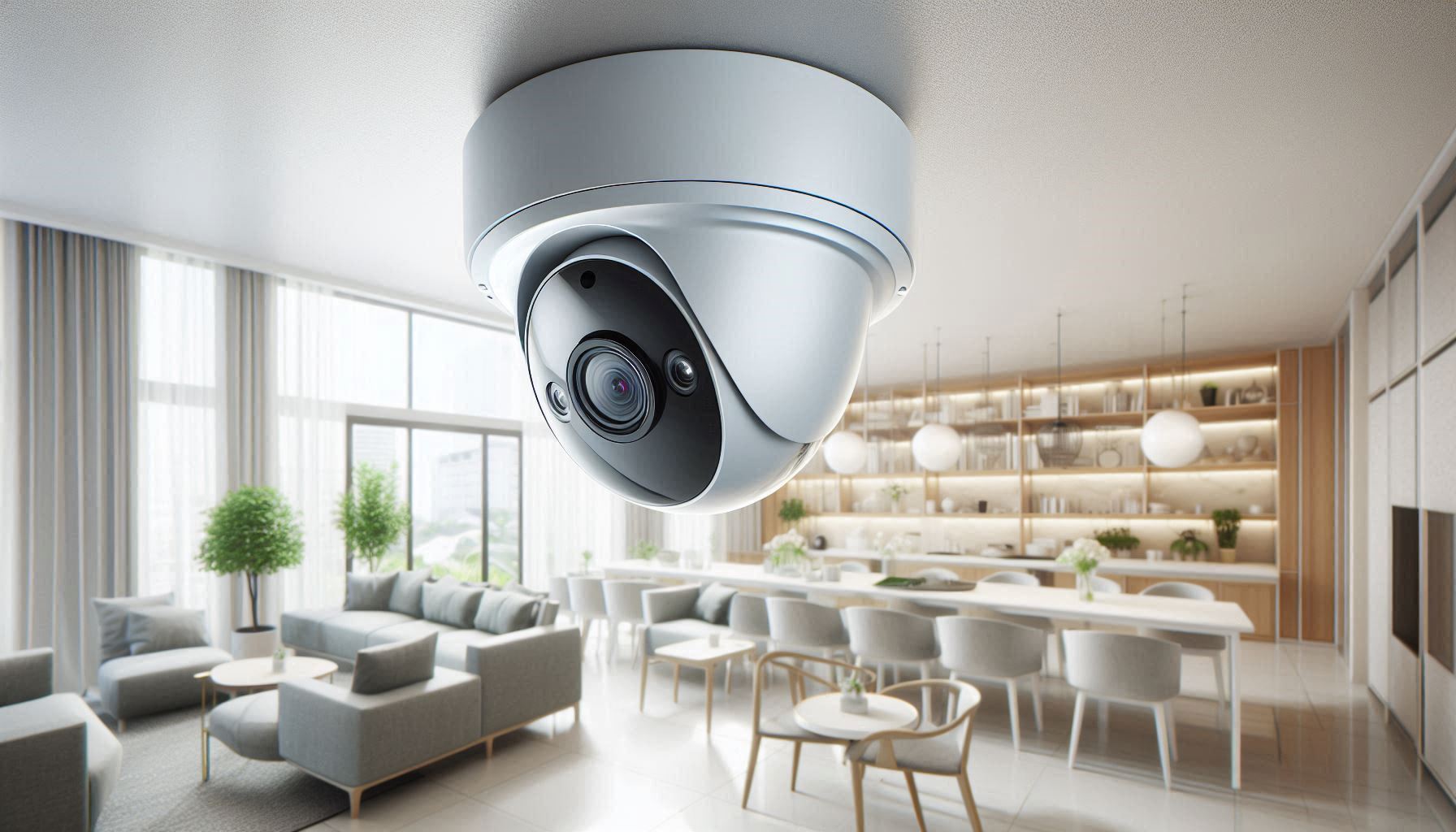
- Features: Compact and discreet, often used indoors.
- Best For: Retail stores, offices, and homes.
- Advantages: Tamper-proof design and 360° coverage options.
2. Bullet Cameras
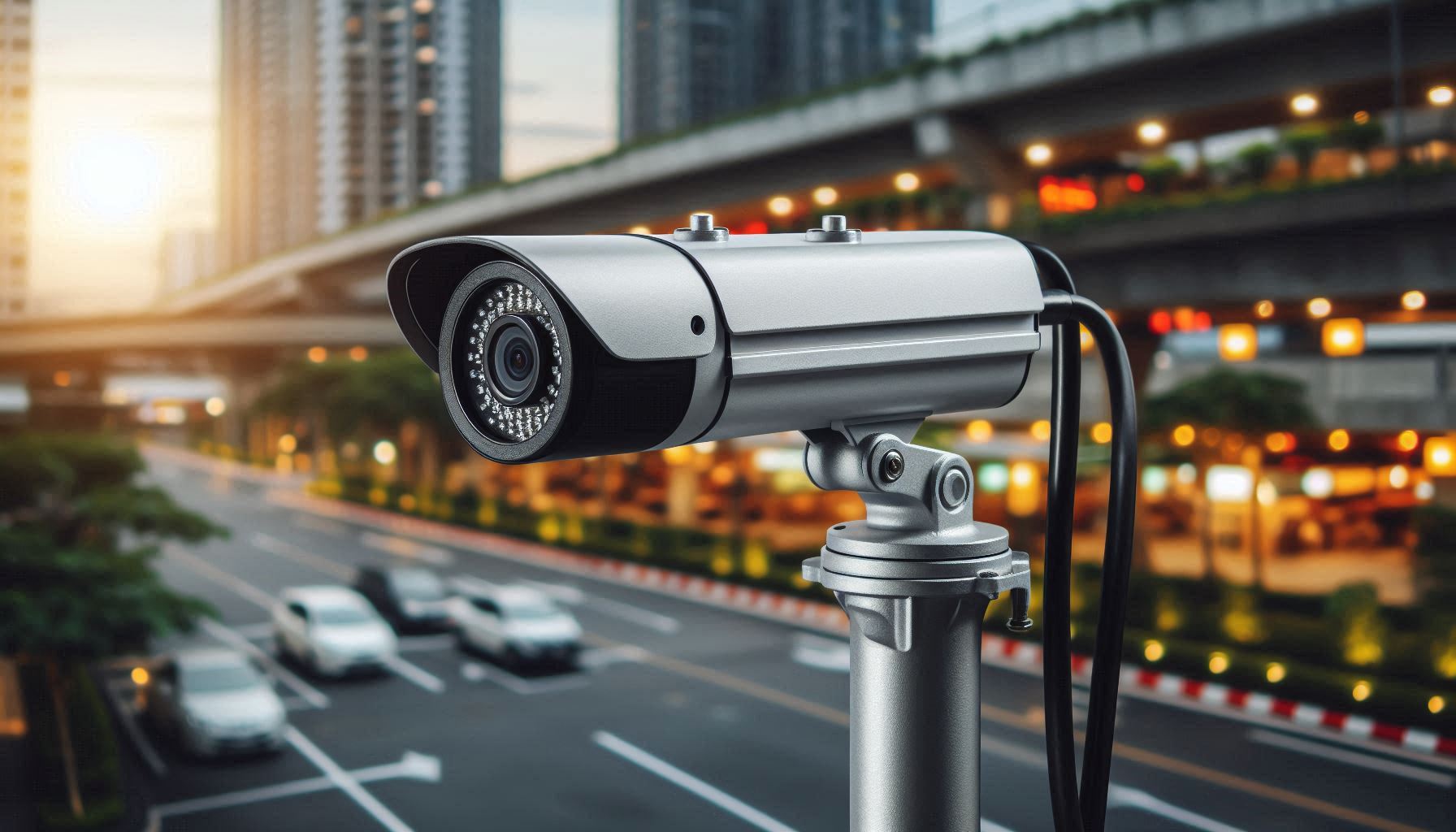
- Features: Long and cylindrical, designed for outdoor use.
- Best For: Parking lots, highways, and large open spaces.
- Advantages: Long-range visibility and weatherproof casing.
3. PTZ Cameras (Pan, Tilt, Zoom)
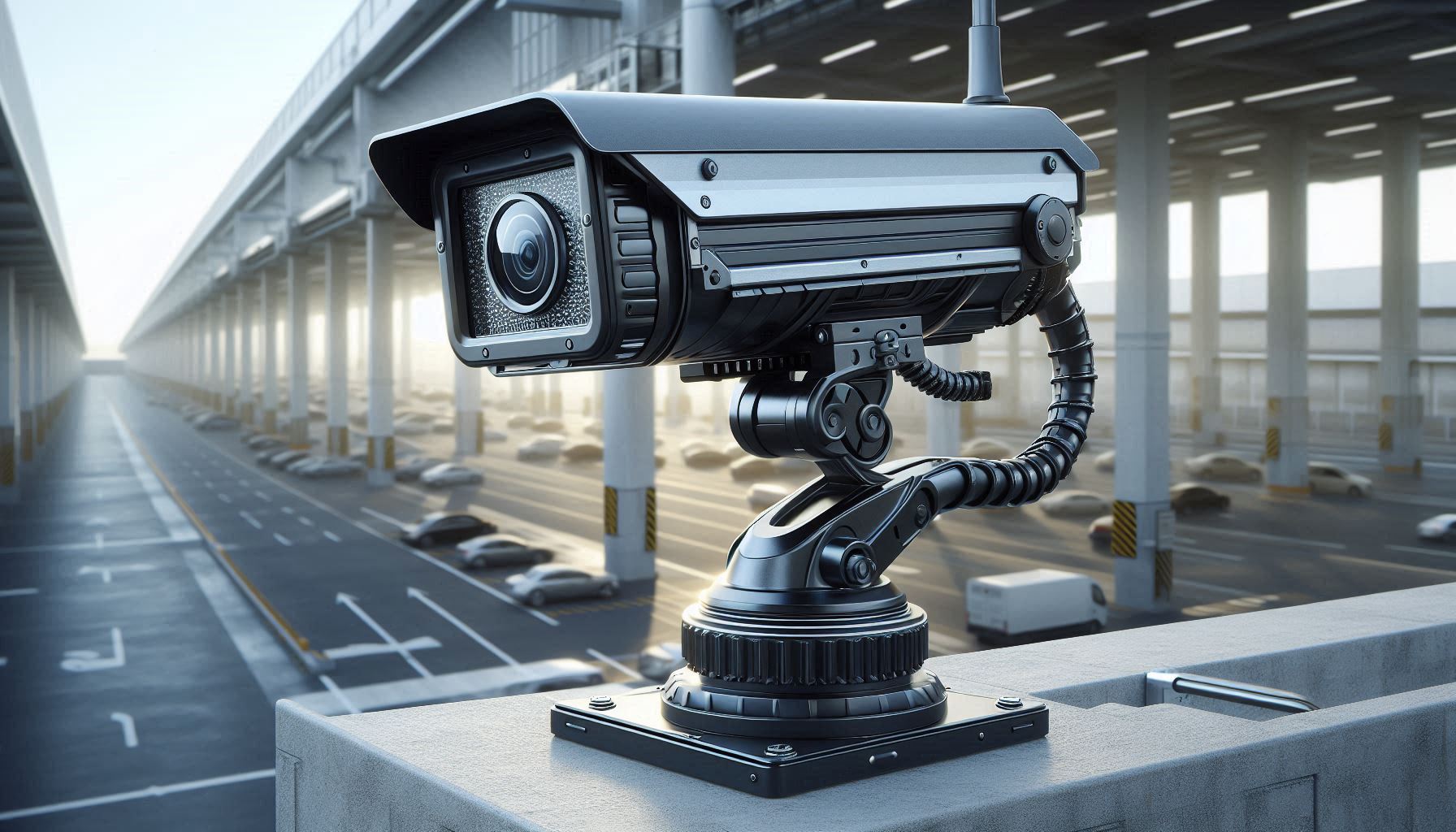
- Features: Mechanized movement with remote control capabilities.
- Best For: Large-scale monitoring, such as stadiums and factories.
- Advantages: Flexible coverage and zooming for detailed views.
4. IP Cameras
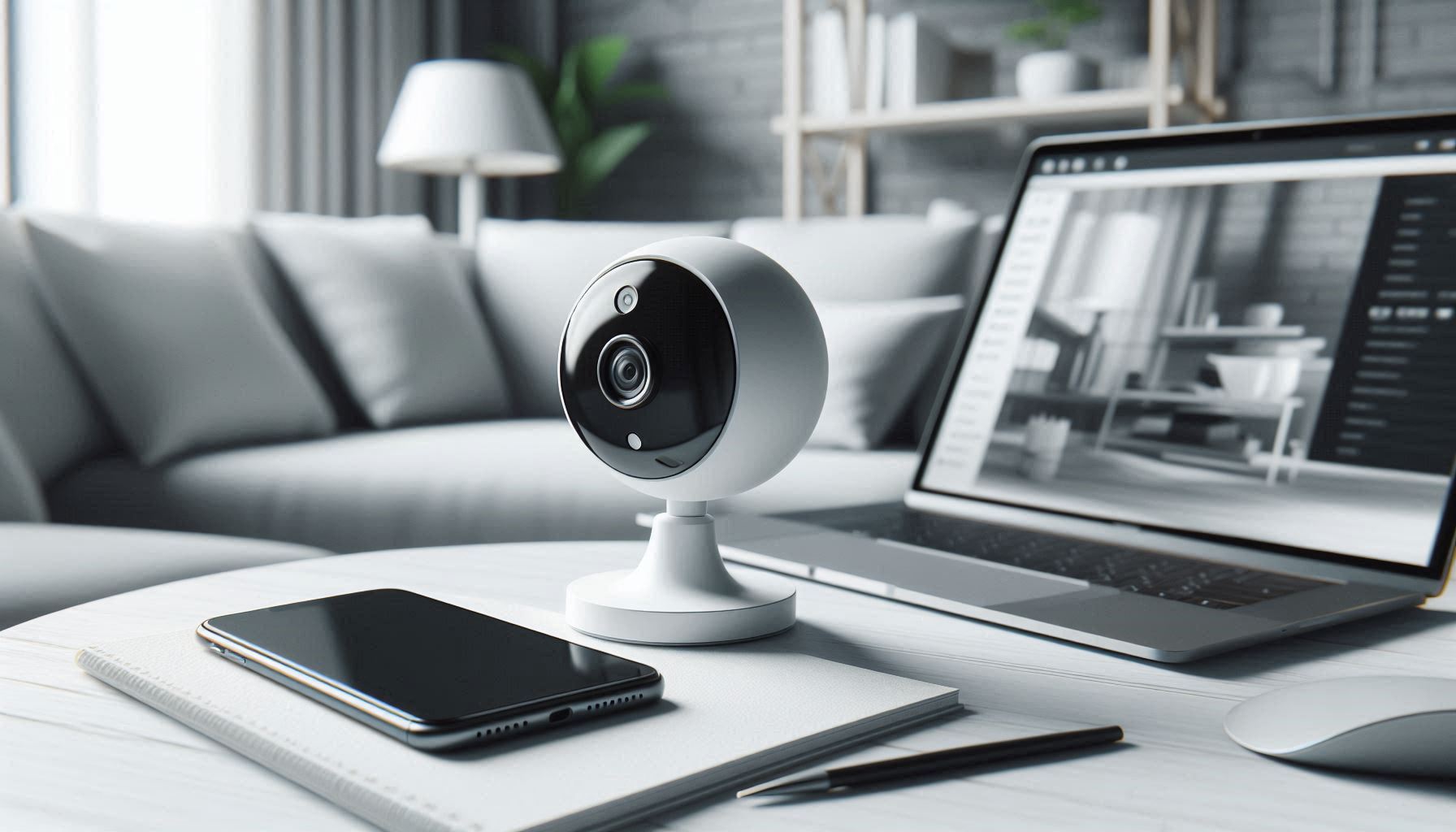
- Features: Use internet protocols to transmit data, enabling remote access.
- Best For: Modern setups requiring high-resolution footage.
- Advantages: Cloud storage and scalability.
5. Analog Cameras
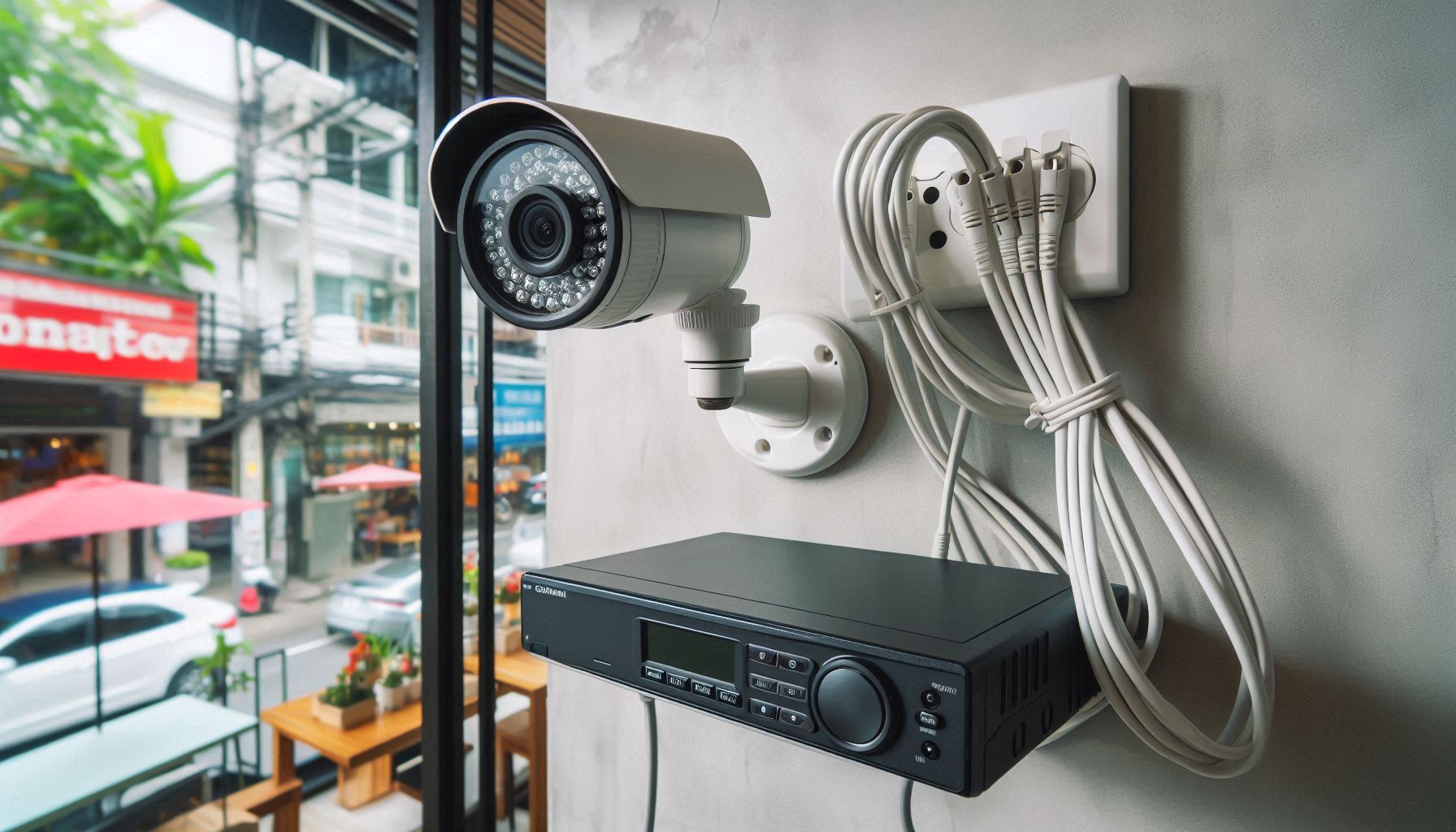
- Features: Traditional surveillance cameras connected to DVRs.
- Best For: Budget-friendly and basic security needs.
- Advantages: Reliable and straightforward to use.
6. CCTV with Infrared/Night Vision
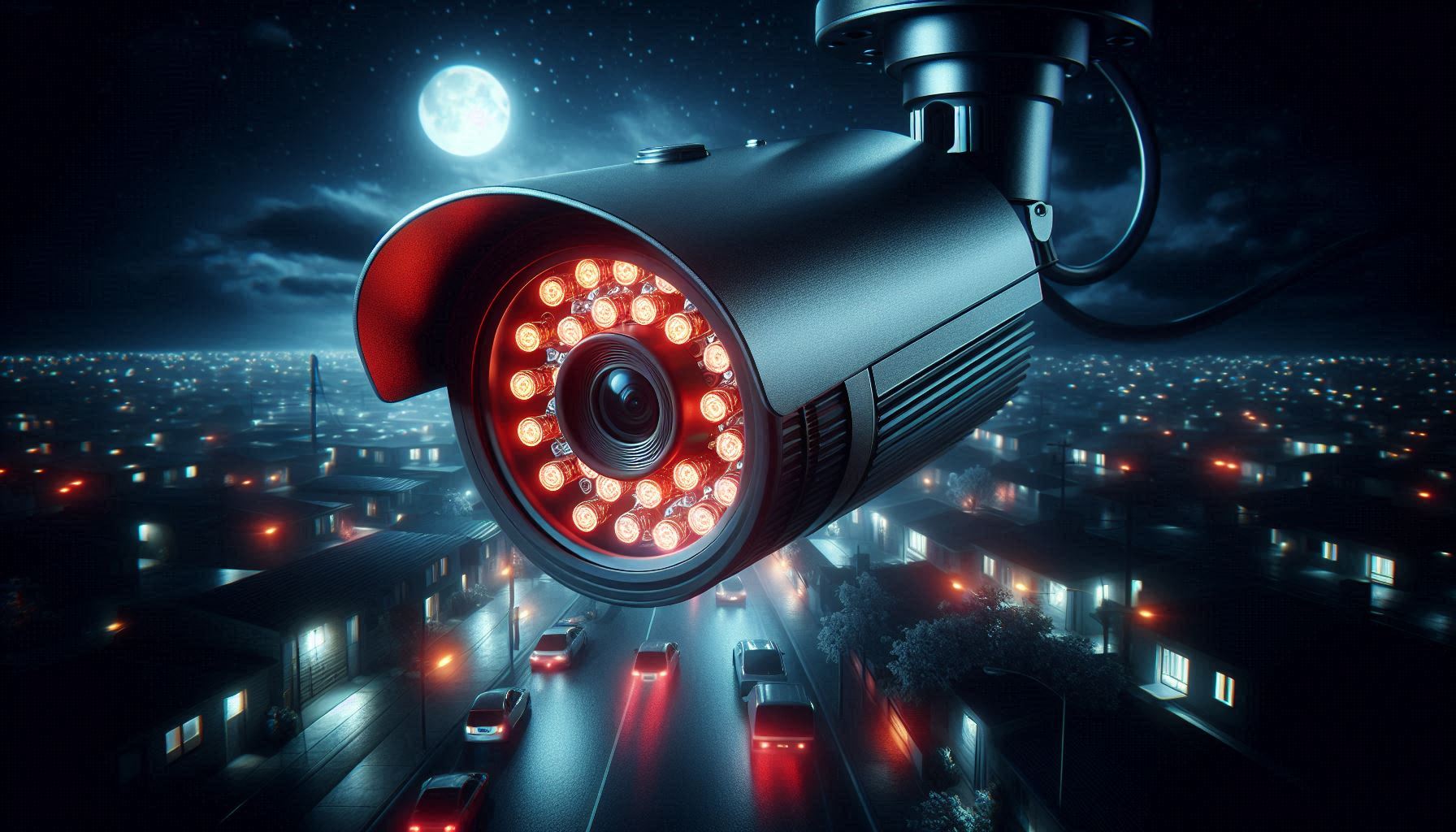
- Features: Infrared LEDs for visibility in low-light conditions.
- Best For: Night-time surveillance at warehouses or perimeters.
- Advantages: Effective even in complete darkness.
Installation Process
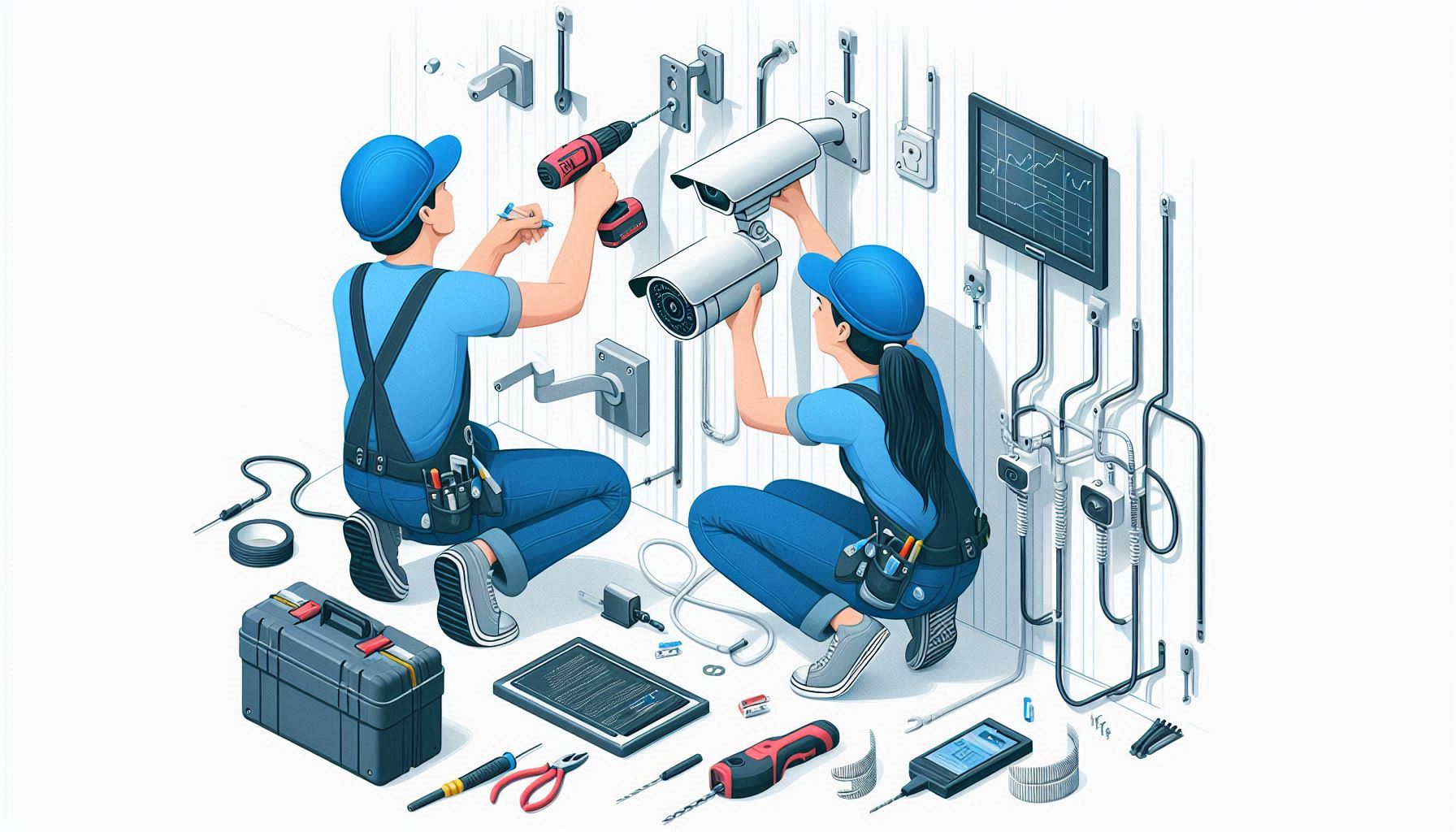
Installing a CCTV system requires careful planning and execution to maximize its efficiency.
Step 1: Assess Your Requirements
- Identify the areas you want to monitor.
- Decide the type and number of cameras based on your surveillance needs.
Step 2: Plan the Placement
- Ensure cameras cover entry/exit points and vulnerable areas.
- Consider lighting conditions and avoid blind spots.
Step 3: Install the Cameras
- Mount cameras on walls or ceilings using brackets.
- Ensure they are secured tightly and angled correctly for optimal coverage.
Step 4: Set Up the Wiring
- For wired systems, run cables to connect cameras to the DVR/NVR.
- Use conduits or cable covers to protect wiring from damage.
Step 5: Connect to Power
- Plug cameras into a power source or use PoE (Power over Ethernet) for IP cameras.
Step 6: Configure the System
- Link cameras to the recording device and monitor.
- For IP cameras, connect to your network and configure software settings.
How CCTV Systems Work
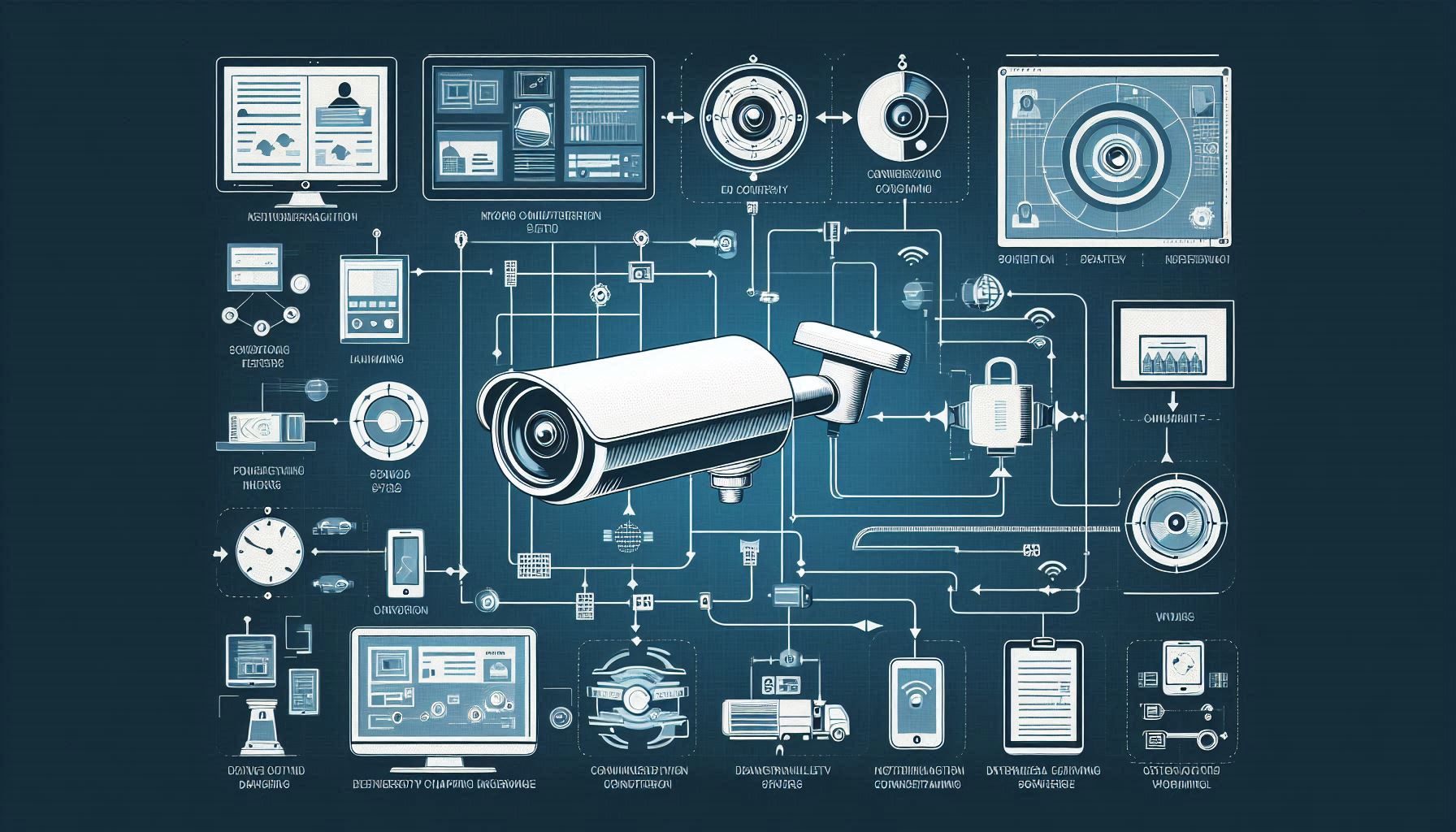
1. Image Capture
Cameras capture video footage through their lenses. Modern cameras use high-resolution sensors to produce detailed images.
2. Data Transmission
The footage is transmitted either through wired connections (coaxial or Ethernet cables) or wirelessly using Wi-Fi.
3. Storage
The data is stored on DVRs (for analog systems) or NVRs (for IP systems). Many systems also offer cloud storage for added reliability.
4. Monitoring
Live feeds can be accessed on connected monitors or remotely via mobile apps or web interfaces.
5. Recording and Playback
Recordings can be accessed for playback, making it easier to review incidents and extract evidence.
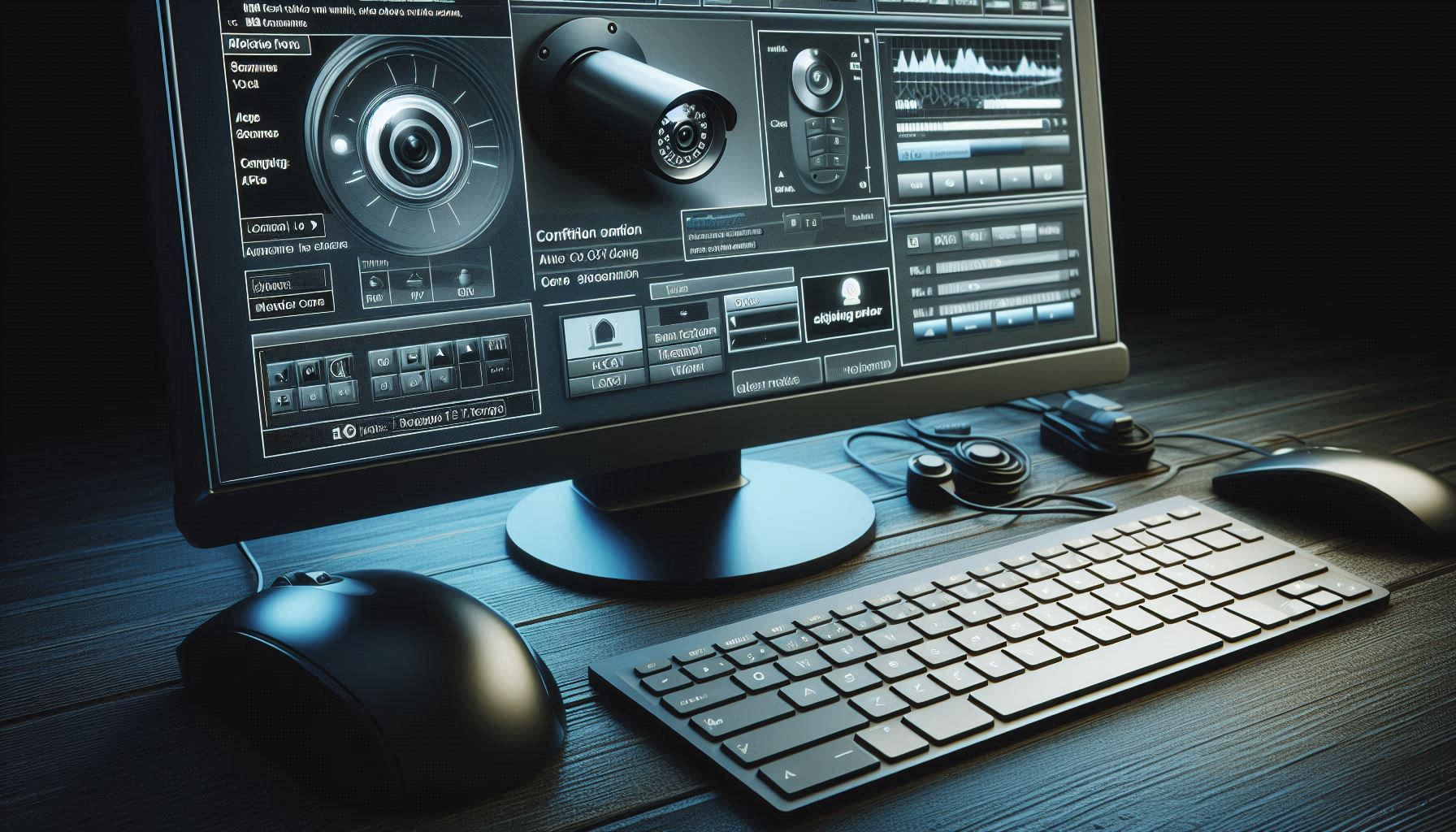
Configuration Tips for CCTV Systems
-
Set Up Remote Access:
- Use the manufacturer’s app or software to view footage remotely.
- Ensure your network is secure to prevent unauthorized access.
-
Adjust Camera Settings:
- Optimize resolution, frame rate, and field of view.
- Use motion detection settings to save storage space.
-
Integrate with Other Systems:
- Pair your CCTV with alarm systems or smart home devices for enhanced security.
-
Perform Regular Maintenance:
- Clean lenses periodically and check for loose connections.
- Update firmware to fix vulnerabilities and improve performance.
-
Test Backup Systems:
- Ensure power backup options like UPS or solar power are in place to keep cameras running during outages.
Conclusion
CCTV systems are a cornerstone of modern security infrastructure. Choosing the right type of camera, installing it correctly, and configuring it for optimal performance can make a significant difference in protecting your assets and loved ones. Whether you’re setting up a system for your home, office, or a public space, understanding these details ensures your CCTV system delivers maximum value and peace of mind.